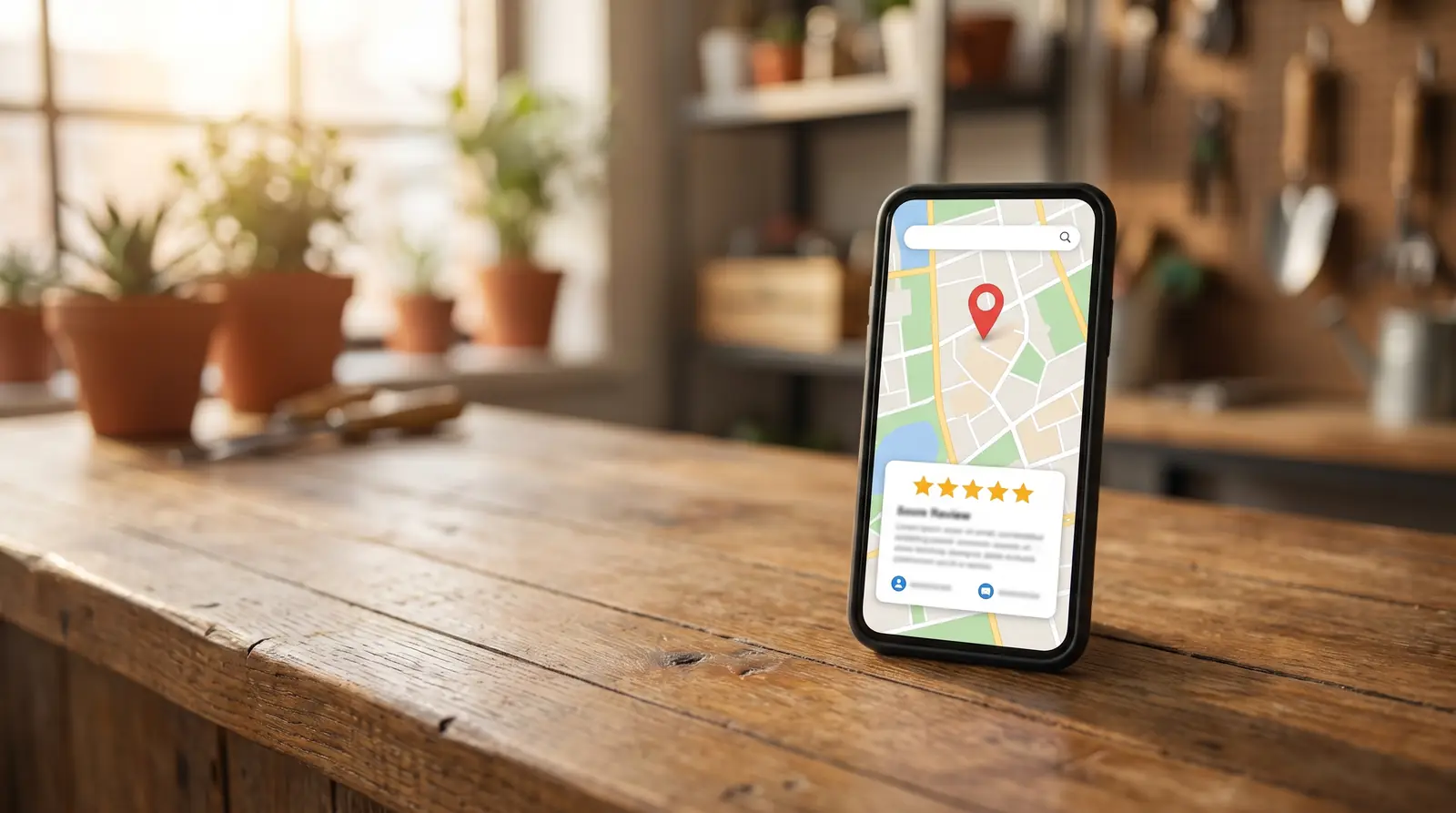
Why reviews matter for Google Maps
Google says it plainly in its own help pages: review count and review score factor into local search ranking. Reviews are also the first thing a new customer reads on your Google Business Profile before they call you. So every review does two jobs. It helps Google trust you, and it helps a stranger trust you.
But not all reviews pull the same weight. "Great job!" is nice. "They fixed our leaking water heater in Creekside the same afternoon" tells Google and the next customer exactly what you do and where you do it.
Step 1: Ask every customer, not just the happy ones
This is the rule that keeps your profile safe. Google does not allow businesses to pick and choose who gets asked, and it does not allow rewards for reviews. No discounts, no gift cards, no "leave us 5 stars and get 10% off."
Ask everyone the same way. Most customers who had a good experience will say so. The occasional honest complaint makes the rest of your reviews more believable, not less.
If you are starting from zero reviews, the same rule applies from day one.
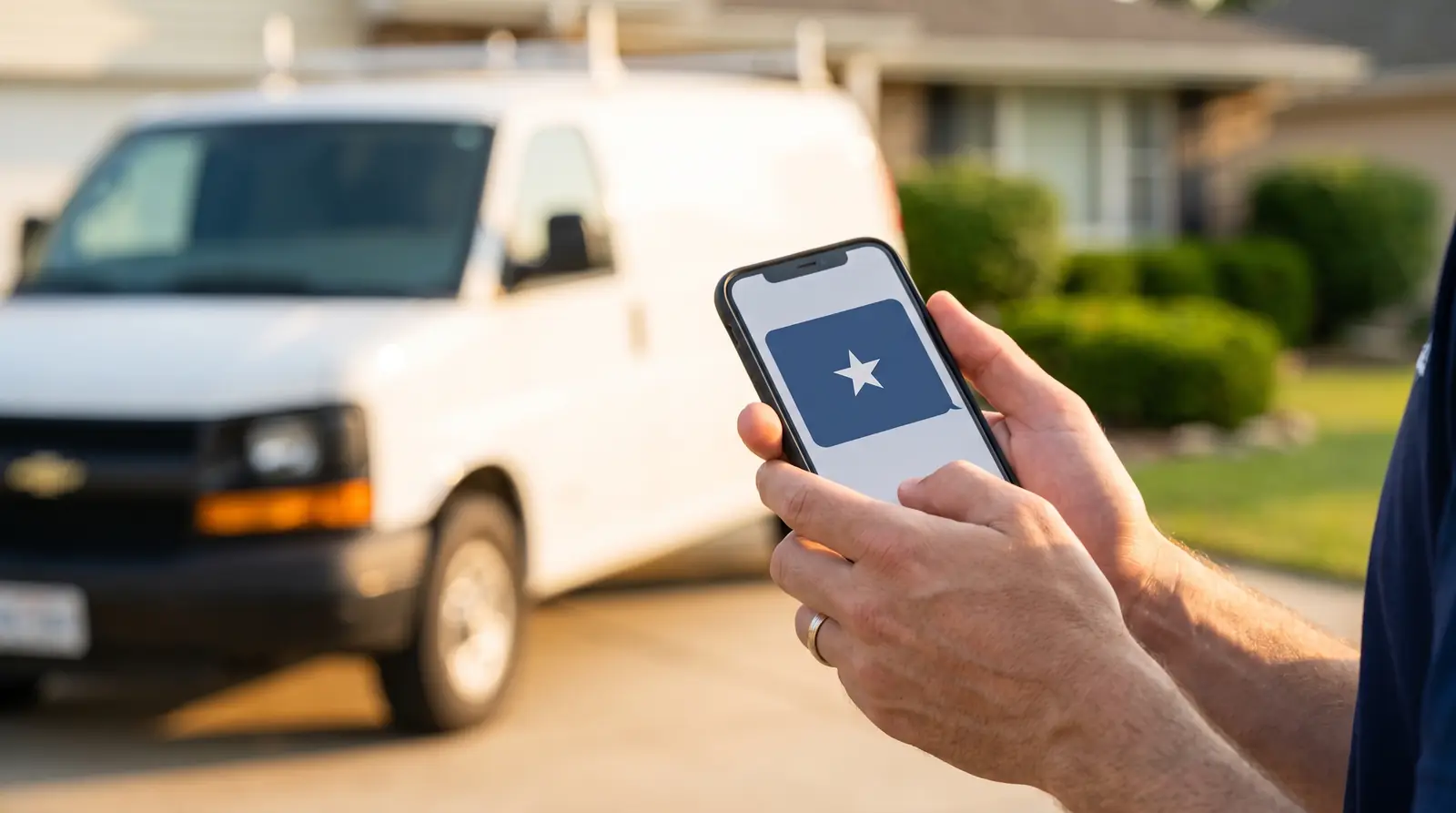
Step 2: Ask at the right moment
The best time to ask is right after the job is done, while the customer still feels the relief of a problem solved. Wait a week and the moment is gone.
- Ask in person first: "Would you mind leaving us a quick Google review? It really helps a small business like ours."
- Follow up by text within the hour, with the link.
- Send one gentle reminder a few days later if they have not gotten to it. Then stop.
Step 3: Make it one tap
Every extra step loses people. Inside your Google Business Profile, choose Read reviews, then Get more reviews, and Google gives you a direct link to the review box. Put that link in your text messages, your emails, and on a card you hand out at the end of a job. Nobody should have to search for you to leave a review.
Step 4: Help them say what you did
This is the heart of the Local Guide Method: your customers do your SEO for you. You do not write their review, and you never tell them what to say. You simply invite detail:
"If you get a chance, mention what we helped you with and what part of town you're in. It helps your neighbors find us."
That one sentence turns "Great service" into a review that names the service and the neighborhood, in real customer language. That is the kind of review that reads as proof to the next person searching.
Step 5: Reply to every review
Google recommends responding to reviews, and customers notice when you do. Here is how to reply to every review, good and bad. Keep replies short and human. Thank them by name, mention the job they described, and invite them back. For a bad review, stay calm, apologize for the experience, and offer to fix it offline.
The weekly review routine
- Every finished job gets an in-person ask and a text with your direct review link.
- One reminder a few days later, then stop.
- Reply to every new review within a day or two.
- Once a week, look at the competitor right above you on the map. Are they getting reviews faster than you? That is your pace to beat.
Opening a new location? Plan your first reviews around a grand opening.
None of this is complicated. The businesses that win on Maps are simply the ones that do it every single week. If you would rather learn the whole Local Guide Method, the Academy is free.
Quick answers
- Can I give customers a discount for leaving a review?
- No. Google's rules prohibit offering money, products, or services in exchange for a review. It can get reviews removed from your profile.
- Can I only ask my happiest customers?
- No. Google prohibits selectively asking for positive reviews. Ask every customer the same way, and let the honest feedback come in.
- How many reviews do I need?
- There is no magic number. A steady flow every week beats one big burst, and keeping pace with the competitor right above you on the map is a good first target.
- Should I reply to bad reviews?
- Yes. Reply calmly, thank them, and offer to make it right offline. The people reading your reviews care more about how you respond than about one bad day.
- Do Google reviews help SEO?
- Yes, for the Google Maps pack: the number, freshness and wording of your reviews all help Google rank you locally. For regular web results the effect is less direct.