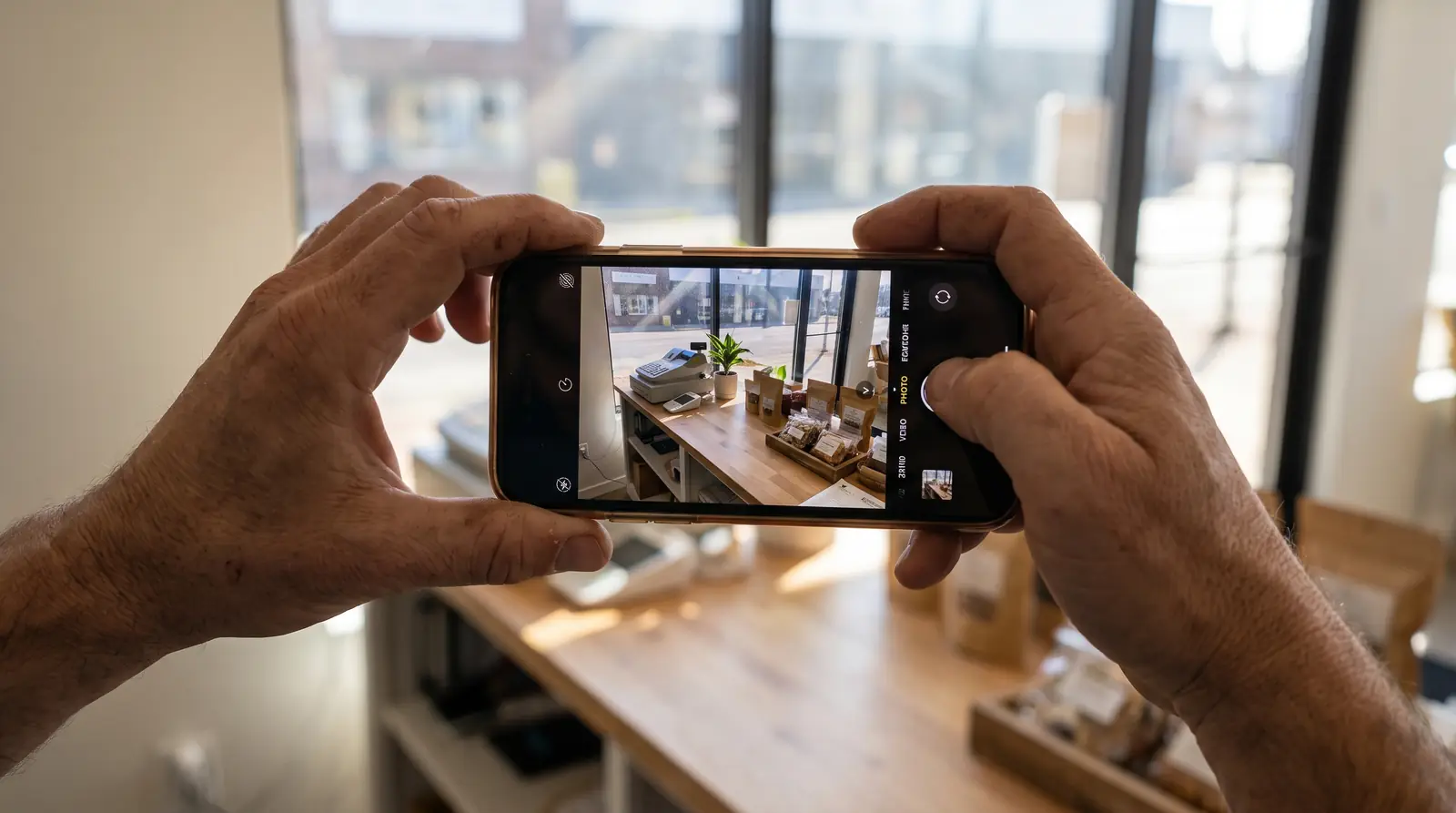
Start with the eight photos that matter most
Most owners open the photo tab, see a blank grid, and close it again. So start with a short list instead of a blank grid. In our experience across 2,300+ profiles, these eight cover almost everything a customer wants to see before they call you:
- The front of your building, shot from where a customer would park.
- The door itself, close enough to see the handle and the hours sign.
- Your parking or the street out front, so people know where to pull in.
- The inside, from the doorway looking in.
- The counter, desk, or waiting area where a customer ends up.
- You or your crew actually working on a normal job.
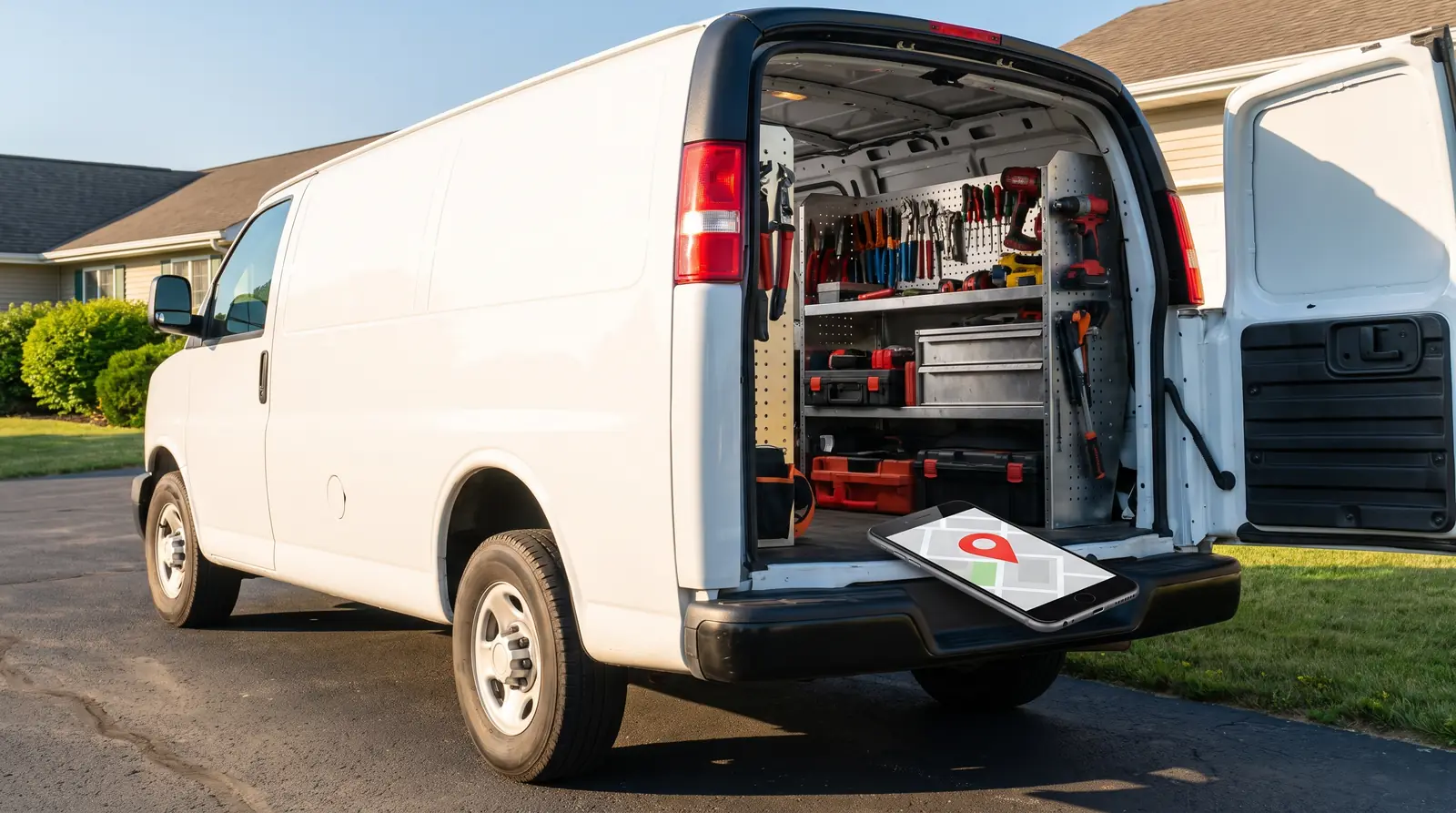
- Your truck, van, or equipment parked at a real job site.
- One finished job, shot the day you finished it.
If you work out of a truck and have no storefront, swap the building shots for the van, the job site, and the finished work. Service businesses do not need a lobby. They need to look real.
Take them on the job, not at a photo shoot
The instinct is to book a photographer and get one perfect set. That set will look like a brochure, and a brochure is the one thing every competitor already has.
A plain phone photo from Tuesday's job beats a staged photo from last spring, because the customer can tell the difference. They are trying to answer one question before they call: is this a real business that does this work near me? A slightly crooked photo of a water heater in a garage answers that. A stock image of a smiling stranger in a clean uniform does not.
So build the habit into the job instead of into a calendar. Before you pack up, take two photos. One of the work, one of the truck or the door. Text them to yourself if that is easier. Once a week, add the good ones to your profile. That is the whole system.
What Google actually asks for in a photo
Google's own photo guidelines are short and not fussy. They ask for photos that are in focus, well lit, and that show the place as it really is, without heavy filters or edits that change what the customer would see. JPG and PNG files both work.
Here are the numbers from Google's help page:
| Spec | Google's guideline |
|---|---|
| Format | JPG or PNG |
| File size | 10 KB to 5 MB |
| Recommended resolution | 720 × 720 pixels |
| Minimum resolution | 250 × 250 pixels |
| Quality | In focus, well lit, no heavy filters or edits |
That is good news for a busy owner. You do not need a camera, a light kit, or an editing app. You need daylight, a steady hand, and a lens you wiped off first. Shoot with the sun behind you, hold still for a second, and take three of each so you can throw two away.
Google also gives you a spot for your logo and a cover photo, on top of the general photos. Fill those in, because they are the first thing many people see, then get back to adding the plain working shots. Google's photo help page explains how to add each one.
How often to add new ones
Fresh beats perfect. A profile with twelve photos from this year reads as an open business. A profile with forty photos from four years ago reads as a business that might have closed, and that hesitation is the whole ballgame when somebody has three tabs open.
Pick a rhythm you can actually hold. One photo a week is plenty, and most owners can get that from work they were already doing. Put it on the same day you do invoices so you do not have to remember it as a separate chore.
Let your customers add photos too
Here is the part most owners never use. Customers can add photos to your profile themselves, and those photos carry a weight yours never will, because everybody knows you chose yours.
This is the Local Guide Method in one line: your customers do your SEO for you. You are not trying to build the perfect profile by yourself. You are trying to get the people who already like you to leave the proof. When you ask for a review, ask for the photo in the same breath. Something like, if you get a second, a review helps us a lot, and a picture of the finished deck helps even more. Some will. The ones who do are doing work you cannot buy.
If you want to see how your photos and reviews stack up against the other businesses on your map, you can run a free audit of your profile and start from there.
The photos that do not help
A few kinds of photos take up space and do nothing for you:
- Stock photography. People spot it instantly, and it makes everything next to it look less true.
- Graphics with text on them. Sale banners and quote cards belong in a post, not in your photo grid.
- Blurry, dark, or sideways shots. One is forgivable. A wall of them makes the business look careless.
- Photos of somebody else's work. If you did not do the job, it does not belong on your profile.
When you are unsure, ask whether the photo helps a stranger decide to call you. If it does not, leave it out.
Your first week, in order
Day one, fill in your logo and cover photo, then add whatever building or van shots you already have on your phone. Day two through five, take two photos at every job and add the best one that night. Day six, look at your grid the way a customer would and delete anything dark or confusing. Day seven, text three recent customers a review request and ask for a photo with it.
That is one week, maybe twenty minutes total, and it puts you ahead of most of the profiles on your map. Then keep the one-a-week habit and stop thinking about it.
Idea spark: Chris Koerner and guest Steph Spector on The Koerner Office podcast.
Quick answers
- How many photos should a Google Business Profile have?
- There is no magic number. Start with eight that cover your building, your work, and your truck, then add one a week so the profile always looks current.
- Can customers add photos to my Google Business Profile?
- Yes. Customers can add their own photos, and those carry more weight with a stranger than the ones you picked yourself. Ask for a photo when you ask for a review.
- Do I need a professional photographer?
- No. Google asks for photos that are in focus, well lit, and true to the real place. A phone in daylight does that.
- Should I use stock photos if I do not have my own?
- No. People spot stock photography quickly, and it makes the rest of your profile look less believable. One real photo beats ten polished ones.
- What size should Google Business Profile photos be?
- Google recommends 720 by 720 pixels, with a minimum of 250 by 250. Files should be JPG or PNG, between 10 KB and 5 MB.