Someone searches for a plumber on their phone. Your profile comes up. They like the photos and the reviews. Then they have to work out what to do next. If the answer is not obvious in about three seconds, they tap back and try the next name on the list.
This is the cheapest fix in local marketing. You are not buying traffic here. The person already found you. You are just clearing the small bumps between I like this place and I booked.
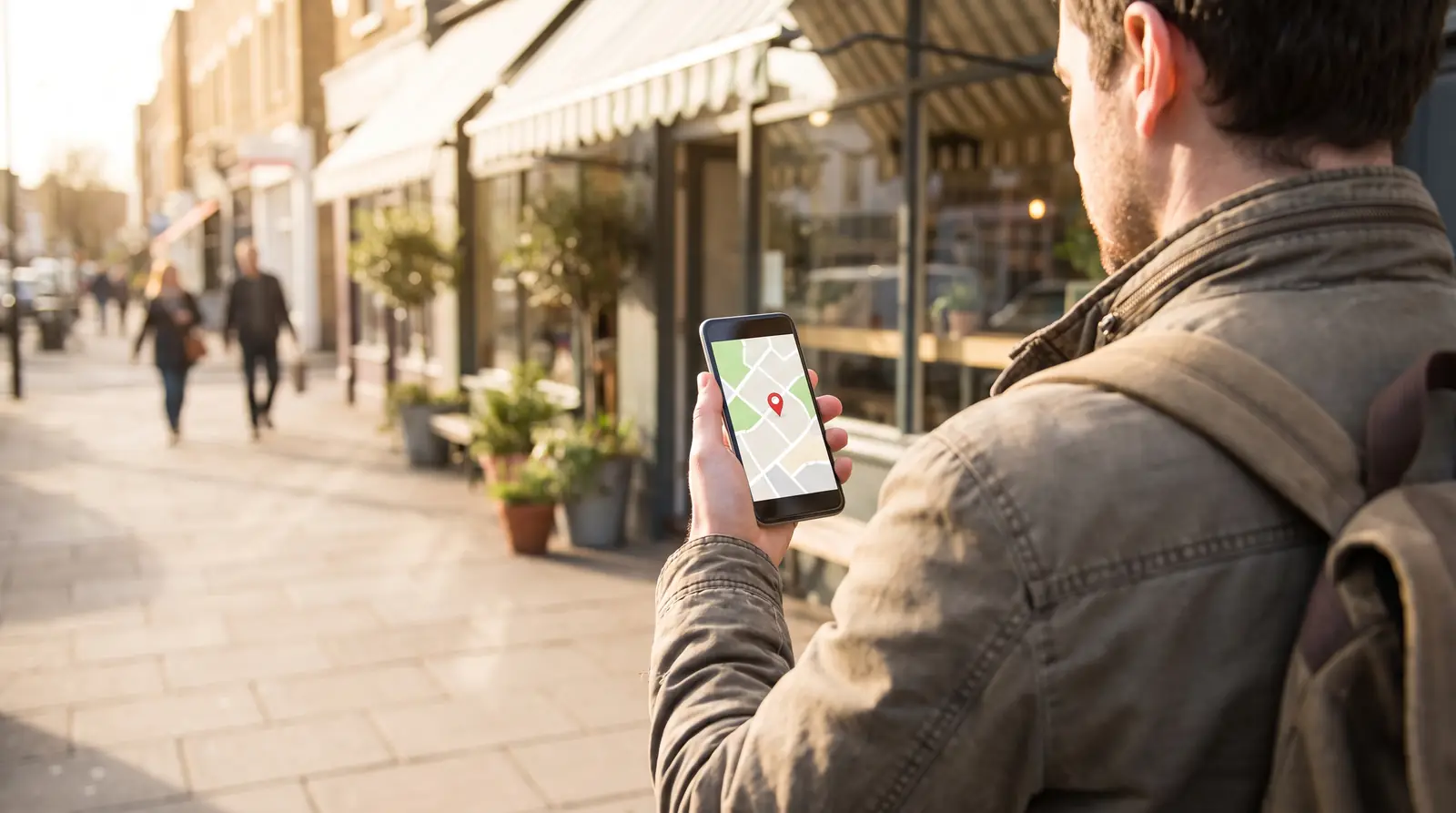
Why you lose people at the booking step
Most owners build their profile around what is easy for the owner. Hours go stale. The website link drops people on a home page where they have to hunt for a contact form. The phone rings to a line nobody answers because you are on a job.
Your customer is standing in a parking lot with one hand free. Every extra tap is a chance to lose them. In our experience across 2,300+ profiles, the ones that get the most action are not the fanciest. They are the ones where the next step is obvious.
Option 1: add your own booking link
Google lets you add links to your Business Profile. On its help page about local business links, Google calls booking and appointment links transaction links, and says you can add up to 10 of them per category. Menu links and service list links work differently. Those are single links, one per category.
So if you already have any page where somebody can book, you can point a booking button at it. A scheduling page, a request form, your own book now page. It just has to be a page where the booking actually happens.
One thing to know from Google's own page: local business links cannot be added through the Business Profile API or a spreadsheet upload. You add them by hand in your profile.

Option 2: connect a booking provider
If your scheduling tool works with Google, you can connect it instead of pasting a plain link. Google's steps are short. Open your Business Profile, select Bookings, choose Get started, pick your provider, and select Done. Google says the provider has to be one of its supported booking providers, and that it can take about a week for the provider to show up on your profile.
Two things worth knowing first. Google says your provider might charge you for bookings that come through Google. And Google reports booking performance only for these supported providers, not for a plain link you paste in yourself.
Google's own instructions are here: Set up bookings through a provider and Manage your local business links.
Make the phone number do some work too
Plenty of local customers will still tap the call button instead. That is fine. Just make sure the number on your profile is a number somebody answers.
- Point it at the phone that is with a human during your posted hours.
- If you are on a job, record a voicemail that says when you will call back.
- Say the booking link out loud in that voicemail. "You can also book online at" plus your page.
A missed call with no plan is a lost customer. A missed call with a clear next step is still a booking.
Take the guesswork out of what you sell
People do not book when they are not sure what they are buying. Fill in your services with plain names and plain descriptions. Not "premium hydro solutions." Just "water heater replacement," and one sentence on what is included.
Then check your hours. Wrong hours quietly break everything else you do. If you close early on Fridays or shut down for a holiday week, set that in your profile before it happens, not after somebody drives over and finds the lights off.
Booking is where your reviews come from
Here is the part most owners miss. An easy booking path is not only a sales tool. It is the front door of your review machine.
Every customer who books is a customer who can leave a review and a photo when the job is done. Those reviews and photos are what make the next stranger comfortable, and they are the part of your marketing you do not have to write. That is the whole idea behind the Local Guide Method. Your customers do your SEO for you. But they can only do it if they get through the door first, and the door is the booking step.
Your 20 minute checklist
- Open your Business Profile and find where links are managed.
- Add a booking link that goes straight to a page where somebody can book.
- If you use a supported scheduling tool, connect it under Bookings instead.
- Call your own number from a phone that is not yours. See what happens.
- Rewrite your top three services in words a neighbor would use.
- Fix your hours, then add special hours for the next holiday.
- Book yourself, start to finish, and count the taps. If it is more than three, simplify it.
If you want another set of eyes on it, our free profile audit walks the same path a customer would and tells you where it breaks.
Idea spark: Chris Koerner and guest Tyler Purcell on The Koerner Office podcast.
Quick answers
- Do I need a special booking tool to add a booking link to Google?
- No. Google lets you add your own link to a page where people can book. A supported booking provider is optional, and it is the version Google reports performance data for.
- How many booking links can I add?
- Google's help page on local business links says booking and appointment links are transaction links, and you can add up to 10 per category.
- How long before the booking button shows up?
- If you connect a supported provider, Google says it can take about a week for the provider to appear on your profile. A link you add yourself shows up much faster.
- Does booking through Google cost money?
- Google does not charge you, but Google notes that your booking provider might charge you for bookings that come through Google. Check your provider's pricing before you connect it.